
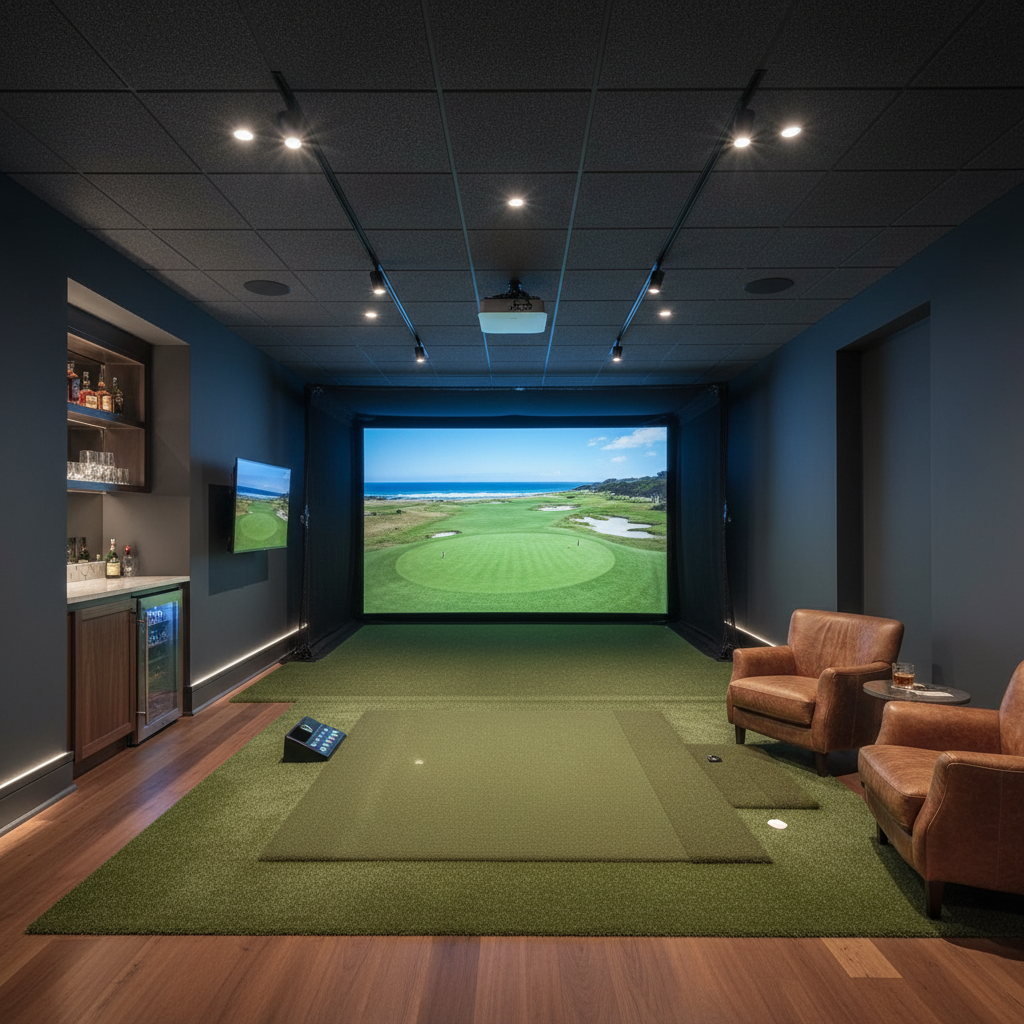
Golf Simulator Learning Center
The most complete resource for building a home golf simulator. Whether you are starting from zero or optimizing an existing setup, every section covers the concepts, tradeoffs, and specific product knowledge you need.
Last updated: June 2026 | Covers all major brands and technologies
Quick Answers
How much space do I need?
Minimum 10' wide x 15' deep x 9' tall. Ideal is 12' x 18' x 10'. You need room for a full swing plus ball flight to the screen.
What is the minimum budget?
A functional setup starts around $2,500-$3,500 (net + launch monitor + mat). A quality dedicated room runs $6,000-$15,000. Premium builds go $15,000-$50,000+.
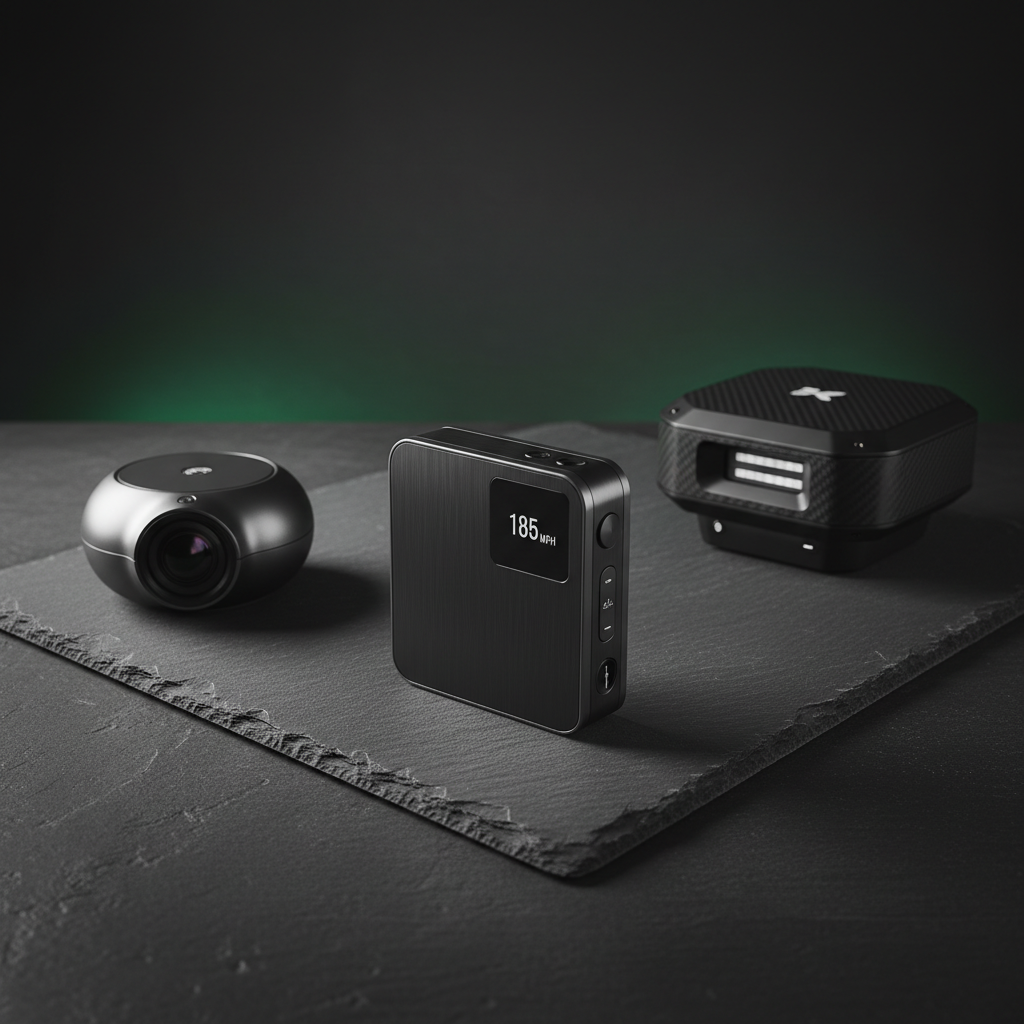
Radar vs. camera launch monitors?
Radar (Garmin R10, Mevo+) is more affordable and works outdoors. Camera/photometric (SkyTrak, Uneekor) captures more data points and is more accurate for indoor use.
Do I need a projector?
Not necessarily. You can use a large TV or monitor. Projectors create the immersive big-screen experience but add cost and require a dark room.
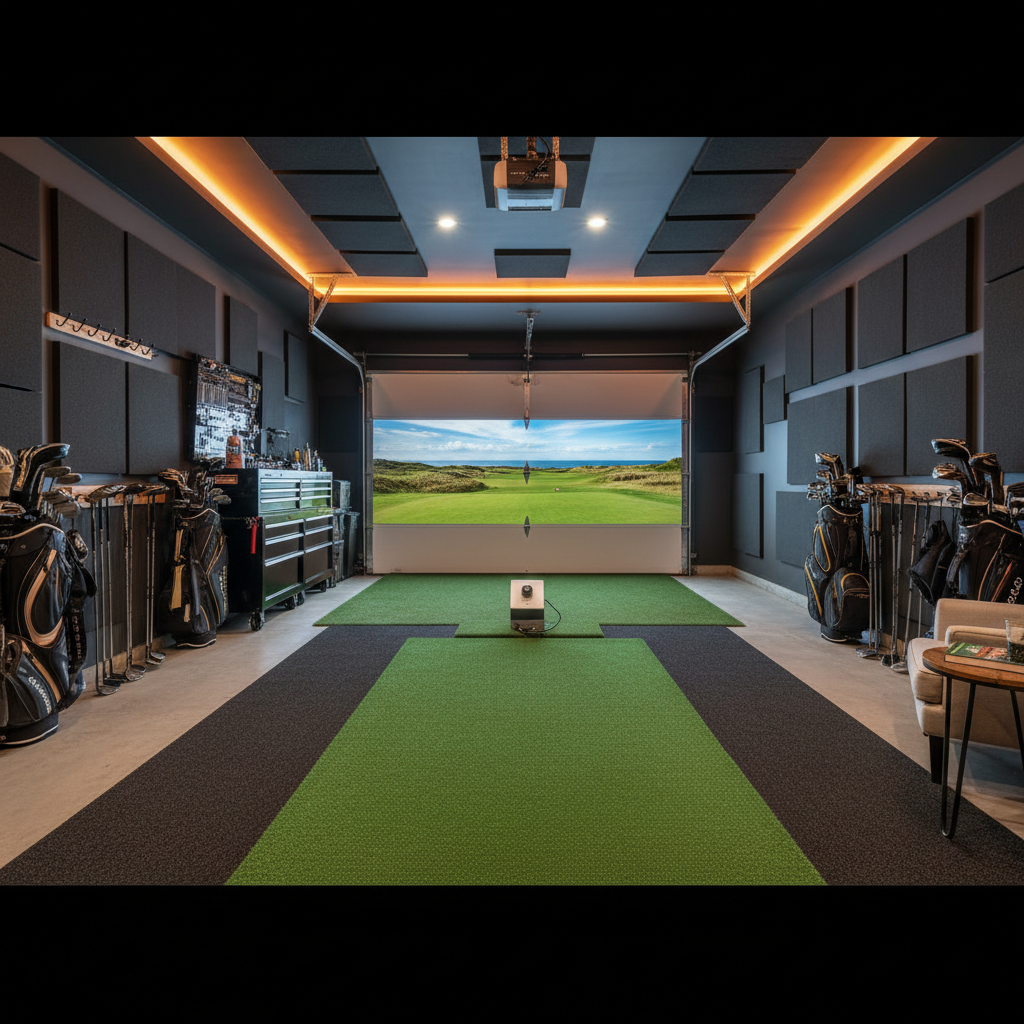
Can I use my garage?
Yes, garages are the most common location. You need insulation for temperature control, proper lighting management, and usually 9'+ ceiling height after flooring.
From the Blog
Guides, reviews, and comparisons to help you decide.
The 5 Core Components
Every golf simulator consists of these five elements working together.
Launch Monitor
$500 - $20K
Highest priority
Impact Screen
$200 - $1,500
Essential
Projector / Display
$400 - $3,000
High priority
Hitting Mat
$150 - $1,500
Joint health
Software + PC
$0 - $2K/yr
Check compat.
Getting Started
New to simulators? Start here.
What You Need for a Golf Simulator
The complete component checklist and decision framework for first-time buyers.
8 min readRoom Size & Space Requirements
Exact dimensions, ceiling clearance calculations, and layout templates for every room type.
6 min readSetup Types Compared
Portable vs. semi-permanent vs. dedicated builds: cost, quality, and convenience tradeoffs.
10 min read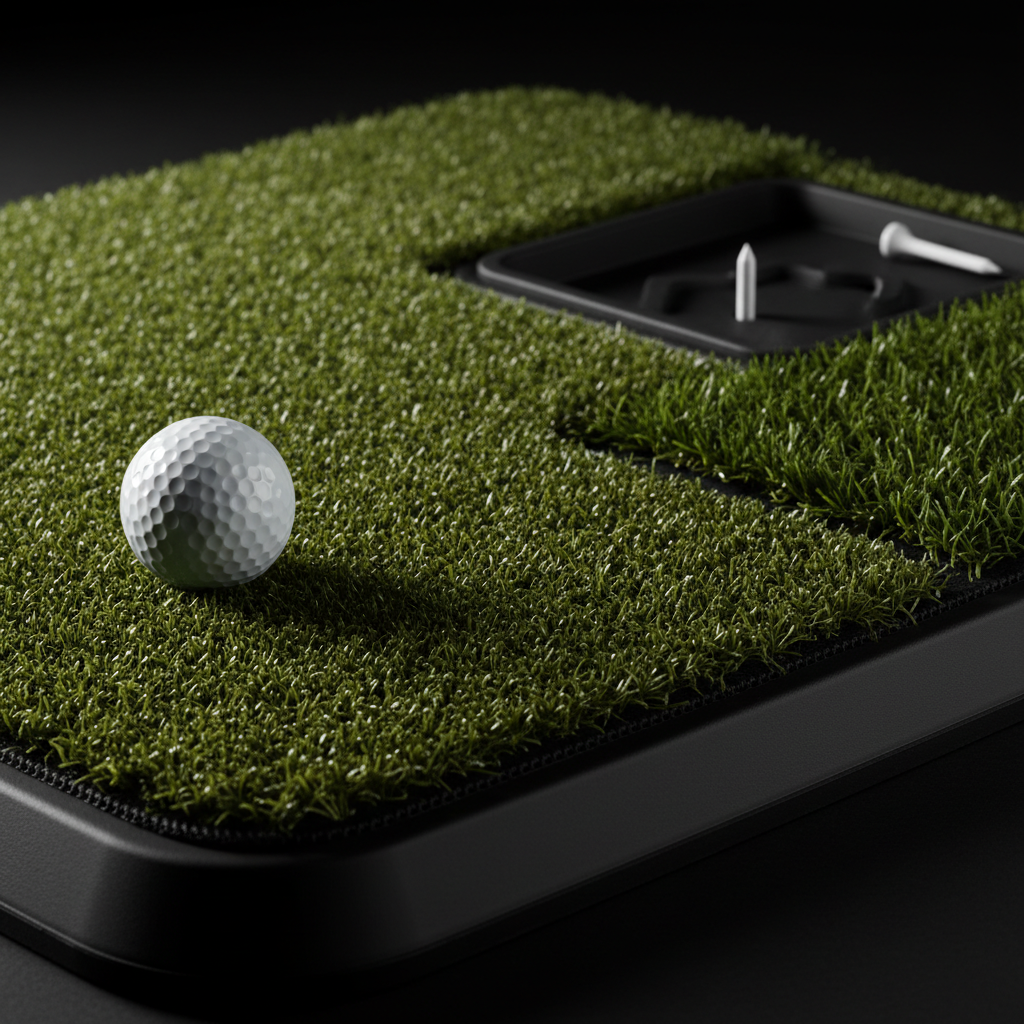
Component Deep-Dives
In-depth guides for each major component. Technology, brands, pricing tiers, and selection criteria.
Launch Monitor Technology Guide
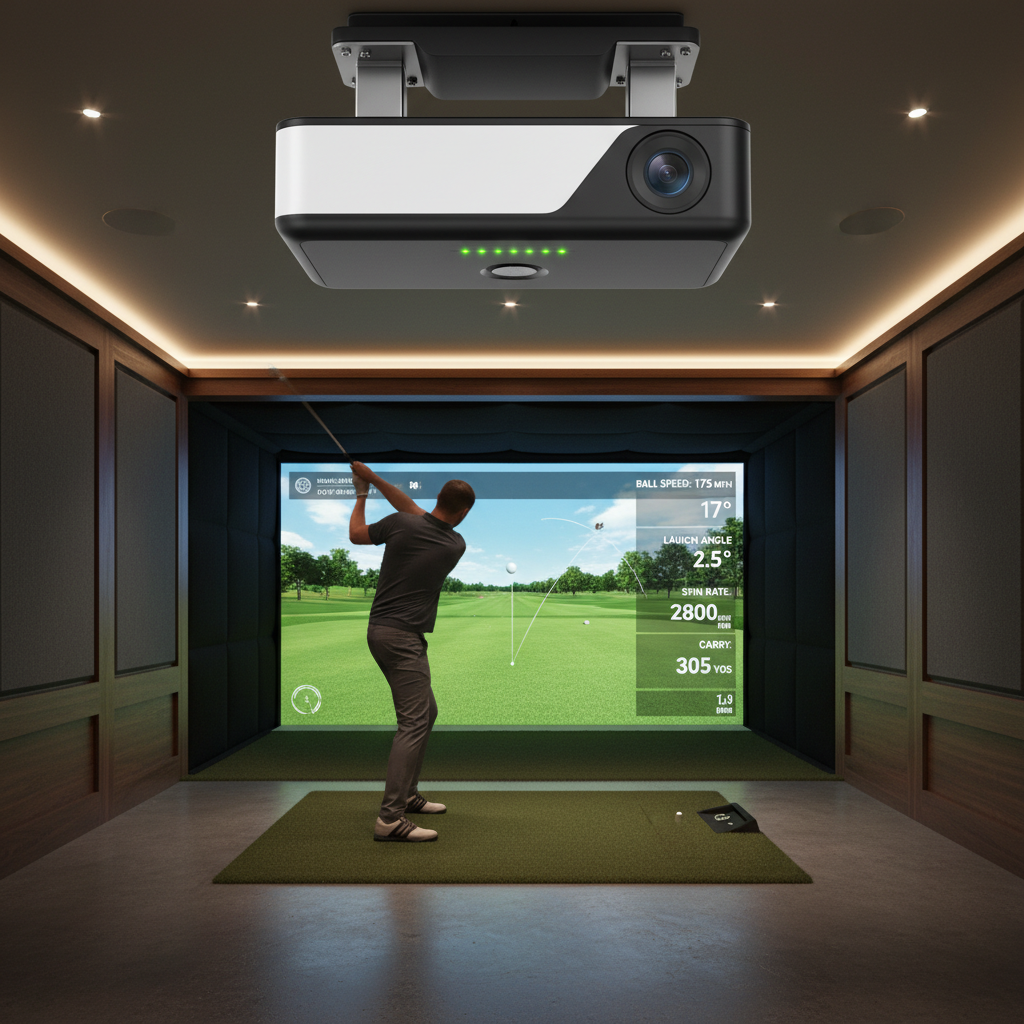
Radar, photometric, and infrared tracking explained. Accuracy data, price tiers, and which metrics actually matter.
12 min readProjector & Display Guide
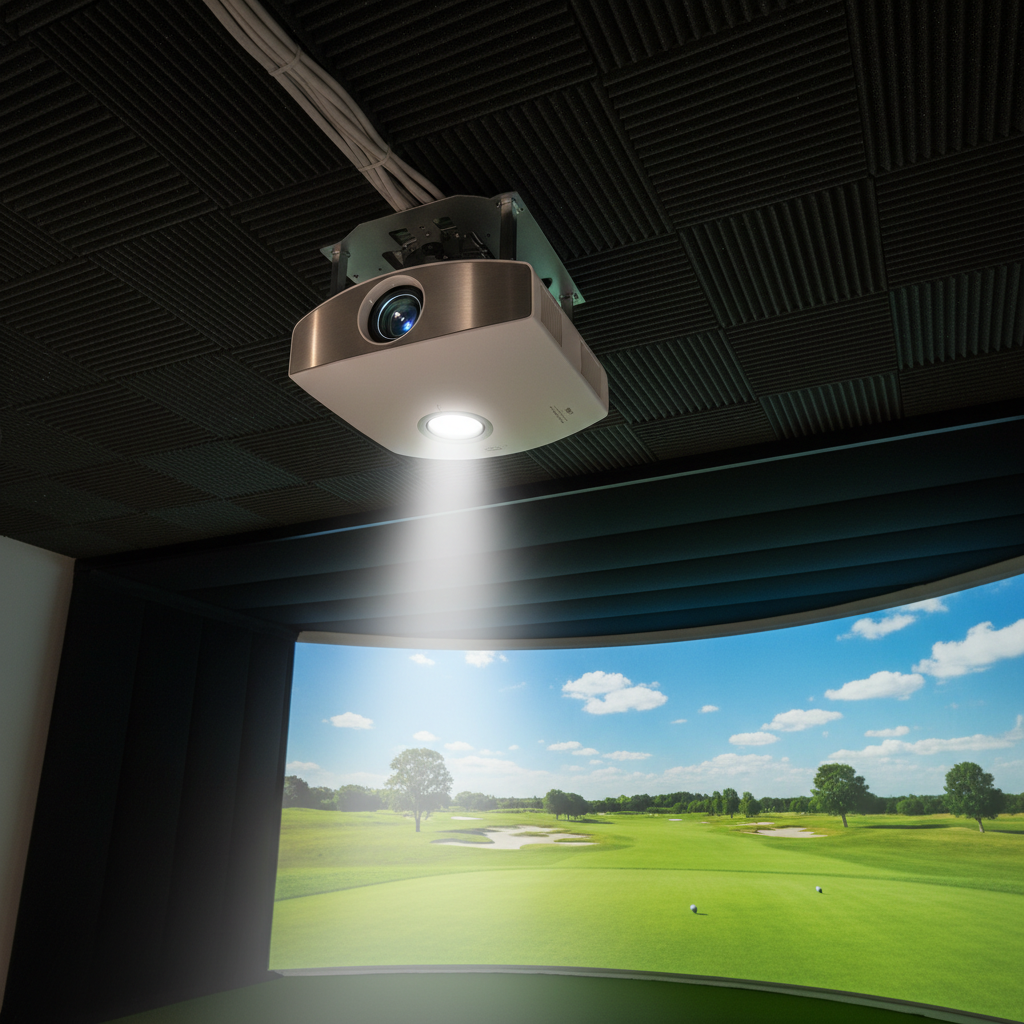
Throw ratio calculations, lumens requirements, resolution tradeoffs, and mounting configurations.
7 min readEnclosure & Impact Screen Guide
Frame materials, screen weaves, sizing formulas, and how screen material affects image quality.
8 min readHitting Mat & Turf Guide
Fiber types, foam layers, joint protection, and why your mat choice affects your real game.
6 min readSimulator Software Comparison
GSPro, E6 Connect, ProTee Play VIP, and Awesome Golf compared on graphics, courses, cost, and compatibility.
9 min readLaunch Monitor Quick Reference
| Technology | How It Works | Price | Best For | Examples |
|---|---|---|---|---|
| Doppler Radar | Microwave signals track ball in flight | $500 - $3K | Outdoor/portable, budget | Garmin R10, Rapsodo MLM2, Mevo+ |
| Photometric | High-speed cameras at impact | $2K - $8K | Indoor accuracy, practice | SkyTrak+, Uneekor EYE XO2, ProTee VX |
| Infrared | IR light arrays measure speed | $3K - $7K | Overhead mount, putting | Uneekor QED, NVISAGE N1 |
| Multi-Sensor | Radar + camera combined | $5K - $25K | Professional, max accuracy | Foresight GCQuad, TrackMan 4 |
TrackMan and Foresight are professional-grade. Most home users are excellently served by photometric units in the $2K-$5K range.
Software at a Glance
| Software | Cost | Courses | Graphics | Best For |
|---|---|---|---|---|
| GSPro | $250/yr | 200,000+ community | Good | Value, course variety, multiplayer |
| E6 Connect | $300/yr + packs | 100+ official | Excellent | Best graphics, casual players |
| Awesome Golf | $200/yr | 200+ real courses | Very good | Real course replication |
| ProTee Play VIP | Subscription | 100+ real & fantasy | Excellent | ProTee hardware, premium visuals |
Planning & Installation
Room preparation, budgeting, and installation guides to get your build right the first time.
Budget Breakdown: $3K to $50K
Exact component lists at every price point. What you gain (and lose) as budget increases.
10 min readInstallation & Wiring Guide
Mounting hardware, cable management, power requirements, and common installation mistakes.
7 min readLighting & Sound Optimization
Ambient light control for projector clarity, sound dampening, and creating the right atmosphere.
5 min readBudget Tiers at a Glance
Starter
$2,500 - $4,000
Net/hitting bay, Garmin R10, mat, laptop software
Data practice, no projection
Mid-Range
$5,000 - $10,000
Enclosure + screen, SkyTrak/Mevo+, projector, mat, GSPro
Full sim, good accuracy
Premium
$10K - $20K
Uneekor/ProTee, 4K projector, premium screen, FiberBuilt mat
Excellent data & visuals
Elite
$20K - $50K+
Foresight/TrackMan, UST 4K laser, custom enclosure
Commercial-grade
Assumes suitable room already exists. Room construction adds $5K-$30K+ depending on scope.
Projector Throw Ratio Explained
Ultra-Short Throw (UST) (0.2 - 0.4:1)
Sits inches from screen. Best for low ceilings. No shadow issues.
Short Throw (0.4 - 0.8:1)
Sits 3-5' from screen. Good balance of price and flexibility.
Standard Throw (1.0 - 2.0:1)
Sits 8-15' back. Cheapest but requires long room and ceiling mount.
Formula
Projection Distance = Screen Width x Throw Ratio
Example: 10\' screen + 0.3:1 UST = 3\' distance. A 1.5:1 standard throw needs 15\'. For rooms under 18\' deep, short-throw or UST is recommended.
Impact Screen Materials
Standard Woven
$200 - $500
+ Affordable, durable
- Visible weave pattern
Best: Budget builds
Premium Knitted
$400 - $900
+ Better image, quieter
- Higher cost
Best: Most home builds
Commercial Grade
$700 - $1,500
+ Best image, quietest
- Heavy, expensive
Best: Premium builds
Frequently Asked Questions
Is a golf simulator worth it?
If you play 20+ rounds/year and practice regularly, a mid-range simulator ($6K-$12K) pays for itself in 2-3 years vs. green fees and range balls. It also lets you play year-round regardless of weather.
How accurate are home simulators?
Modern photometric units like SkyTrak+ and Uneekor QED are within 1-2% of real-world measurements for ball speed, launch angle, and spin. Radar units like Garmin R10 are within 3-5%. All are accurate enough for meaningful practice.
Can I use a TV instead of a projector?
Yes. A 65-85" TV works well and avoids ambient light issues. The tradeoff is smaller image size and you need to protect the TV from ball strikes with a net or enclosure. Many players start with a TV and upgrade to a projector later.
What computer do I need?
GSPro and E6 require a Windows PC with a dedicated GPU. Minimum: i5 processor, 16GB RAM, GTX 1660 or better. Recommended: i7, 32GB RAM, RTX 3060+. Some launch monitors (SkyTrak) can run on iPad for basic use.
Do I need to be a good golfer to benefit?
No. Simulators benefit all skill levels. Beginners get instant feedback on what their swing produces. Mid-handicappers can work on specific weaknesses. Low handicappers can practice course management and maintain their game year-round.
How loud is a golf simulator?
Ball impact on a screen is roughly 70-80 dB -- comparable to a loud conversation. The main noise concern is ball striking the mat/screen, not the electronics. Sound dampening panels behind the screen help significantly if noise to adjacent rooms is a concern.
Can I install it myself?
Most enclosure kits are designed for DIY installation with basic tools (drill, level, stud finder). Expect 4-8 hours for a first install. Projector mounting and wiring may benefit from professional help if you want clean cable management.
What about putting accuracy?
Overhead camera units (Uneekor, ProTee VX) have the best putting data. Floor-level units like SkyTrak and radar units have limited or no putting detection. For dedicated putting practice, consider a separate putting mat with a return system.
Ready to Build?
Configure a complete setup for your space, or get personalized recommendations from our AI advisor.