Golf Simulator Impact Screens: What to Look For
Not all impact screens are created equal. Learn what separates a great screen from a mediocre one.
Why Your Screen Choice Matters
The impact screen does double duty: it catches high-speed golf balls (up to 180+ mph ball speed for pros, 100-150 mph for most amateurs) and serves as your projection surface. These are competing requirements -- a screen tough enough to stop balls needs to also display a crisp, bright image without visible texture.
A poor screen choice results in: premature wear and holes, excessive ball bounce-back that can damage equipment or hit you, loud impact noise that bothers family or neighbors, and washed-out projected images that reduce immersion.
Screen Materials Explained
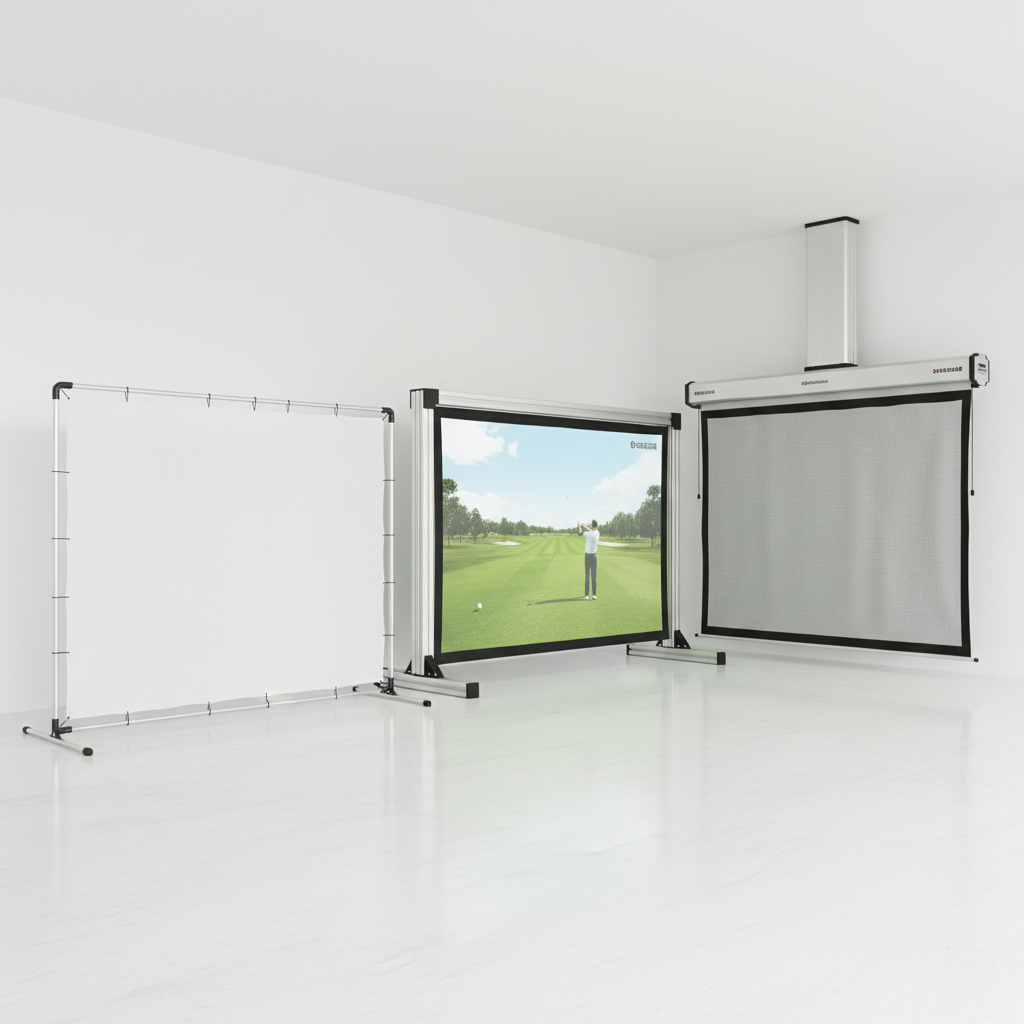
Woven polyester is the most common material. Threads are woven in a grid pattern creating small gaps that absorb impact energy. Thicker weaves last longer but show more texture in projected images. This is the sweet spot for most home builds.
Knitted fabrics use interlocking loops rather than a grid weave. They tend to be softer, quieter on impact, and produce better image quality with less visible texture. They cost more and may stretch slightly over time, requiring periodic retensioning.
Multi-layer screens sandwich a soft impact layer behind a smooth projection surface. These offer the best image quality but are heavier, more expensive, and require more robust frame support.
Size Selection
For full-swing golf simulation, a minimum of 8' wide x 7' tall is functional, but feels small. The standard recommendation is 10' x 10' for a comfortable hitting experience with room for off-center strikes. If space allows, 12' wide provides noticeably better immersion.
The screen should be wider than your enclosure opening by 2-4 inches on each side to ensure full edge coverage. Height should extend from 6 inches off the floor to at least 8 feet high -- higher is better for high-trajectory wedge shots.
Factor in aspect ratio: A 16:9 projector displays best on a screen approximately 40% wider than it is tall. A 10' x 8' screen is often more image-efficient than a 10' x 10' if projector placement allows it.
Ball Bounce and Safety
All screens bounce the ball back to some degree. Good screens control this -- the ball should drop within 3-5 feet of the screen. Screens that send balls ricocheting back toward the hitter are dangerous and unpleasant to use.
Screen tension affects bounce. Tighter screens bounce more aggressively. You want firm tension for image quality but not drum-tight. Follow manufacturer specifications exactly and err on the looser side if unsure.
Always position your hitting area so bounced balls cannot reach you during your follow-through. Standard recommendation: stand at least 10 feet back from the screen for full shots.
Image Quality Factors
Screen gain measures how reflective the surface is. Higher gain means a brighter image but narrower viewing angle. For golf simulators where you stand relatively centered, a gain of 0.9-1.1 works well.
Surface color should be a neutral gray or white. Pure white screens wash out blacks; light gray provides better contrast for projected images, especially in rooms that are not perfectly dark.
Hot spots occur when the center of the screen is noticeably brighter than the edges. Quality screens have even gain distribution. This is hard to evaluate until installed, so buy from brands with return policies.
Brands We Recommend
Carl's Place offers screens at every price point and their customer service is excellent. Their Premium and FlexiWhite screens balance impact durability with image quality well. Good first choice for most builds.
SIG PRO screens are slightly more premium with tighter weaves and excellent image characteristics. More expensive but you can feel the quality difference in hand.
HomeCourse provides good value in the budget-to-mid range. Their screens work well but may show wear faster under heavy use (5+ sessions per week).
DNP Supernova screens are the commercial gold standard but cost $2,000+ and are overkill for home use. Mentioning them for completeness -- if budget is unlimited, they provide the best image quality available.
Ready to start building?
Get personalized recommendations from our AI advisor or browse our product catalog.